Your creator profile on Meadow is a public-facing page that showcases your work and helps you connect with other creators. It shows all your public experiences, and can be used by your audience to find your work.
A creator profile is currently subject to approval by the Meadow team, to ensure that the content is appropriate for the platform.
Please send us a message if you’d like to be public, and we’ll get to it straight away. Please first update your profile with a user name, profile picture and a short bio.
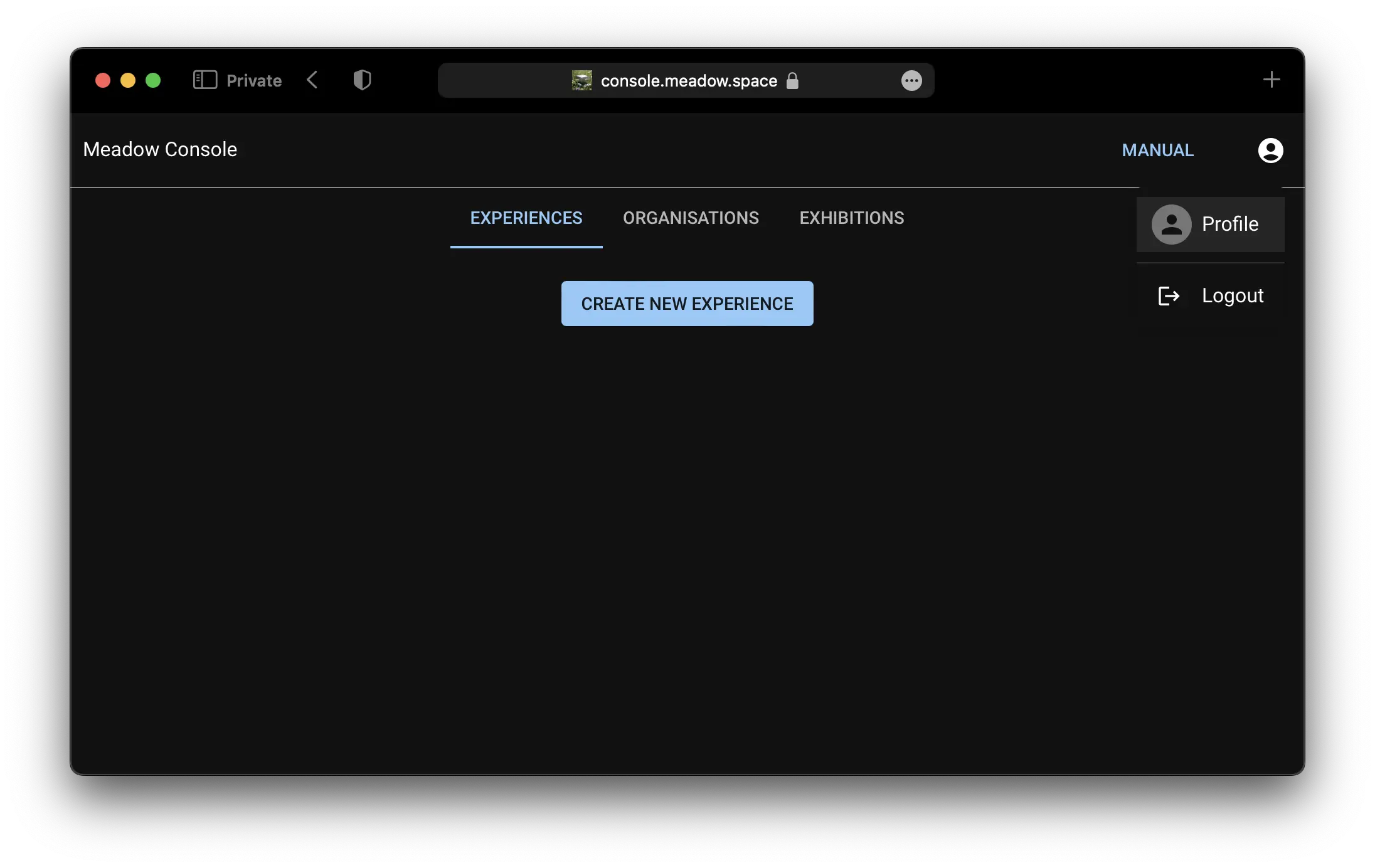
Click on your profile picture in the top right corner.
Click on Profile.
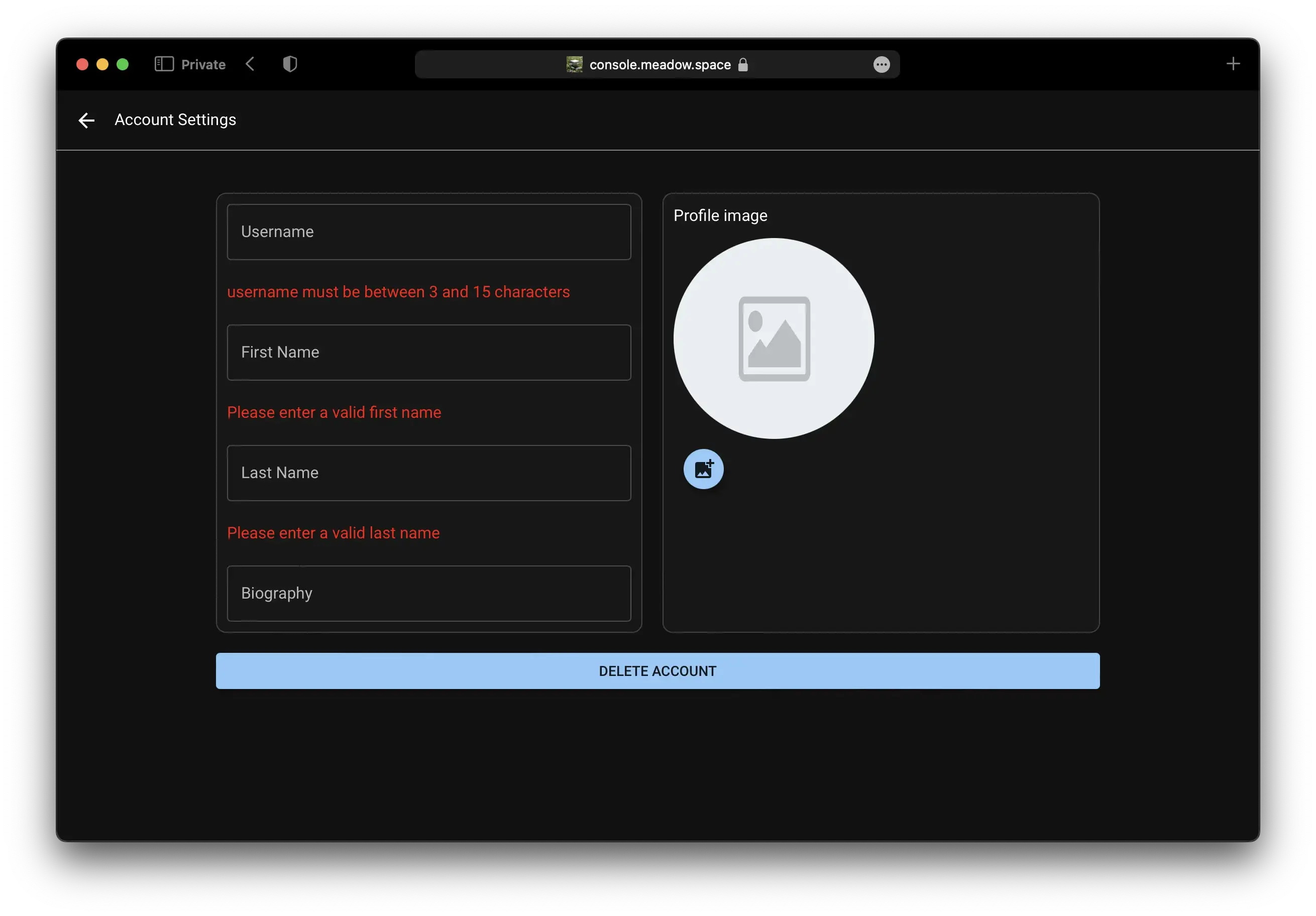
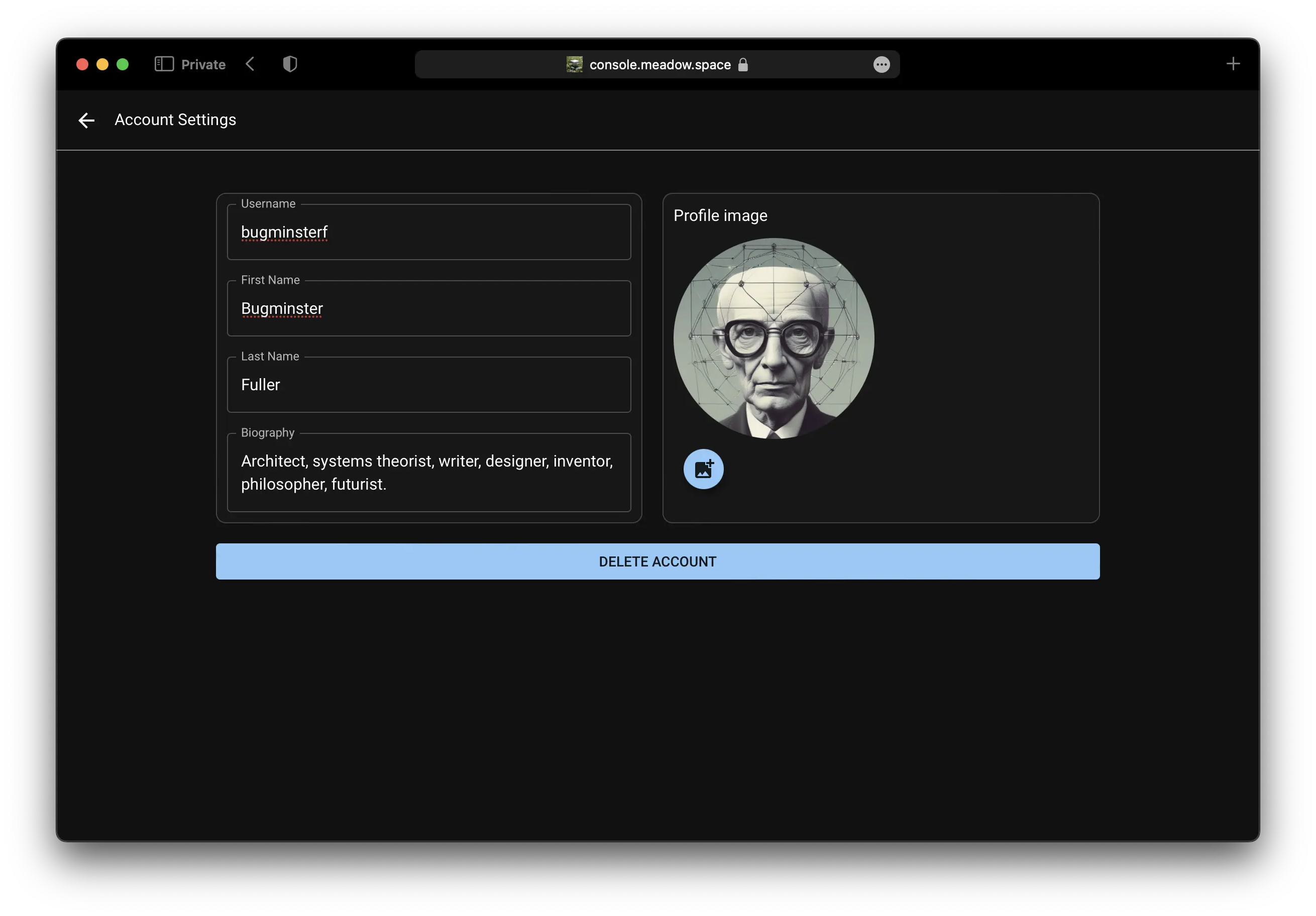
Update your profile picture, user name, and bio.
All changes are saved automatically.
On this Page
Update Your Creator Profile
Your creator profile on Meadow is a public-facing page that showcases your work and helps you connect with other creators. It shows all your public experiences, and can be used by your audience to find your work.
A creator profile is currently subject to approval by the Meadow team, to ensure that the content is appropriate for the platform.
Please send us a message if you’d like to be public, and we’ll get to it straight away. Please first update your profile with a user name, profile picture and a short bio.